World of Diving Steam Gift

World of Diving

Release date
August 26, 2014
STEAM
Yes
Regional limitations
Region free
Developers
Vertigo Games
Publishers
Vertigo Games
Genres
Adventure Indie Simulation
Platform
Steam
Languages
English

Description

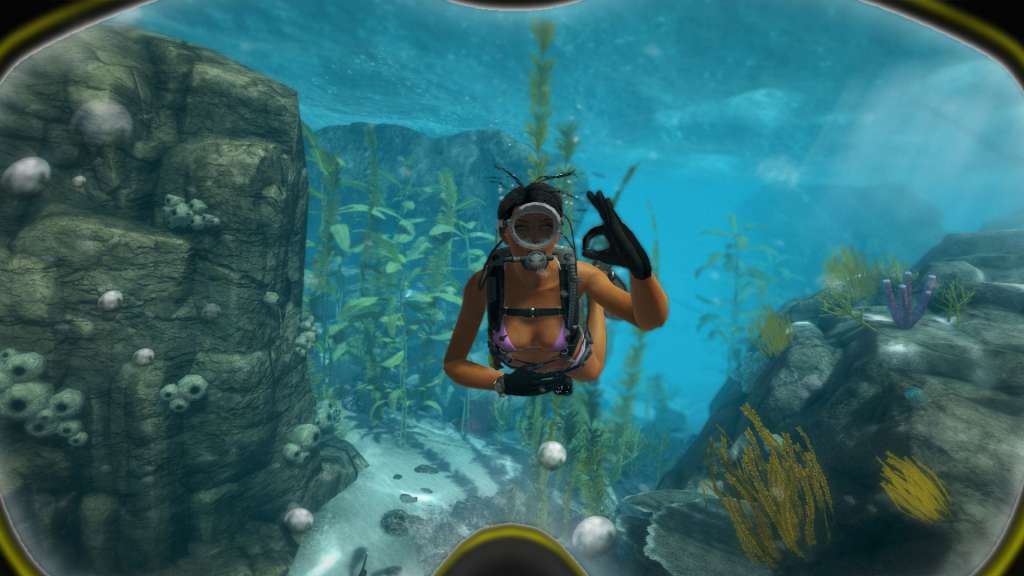
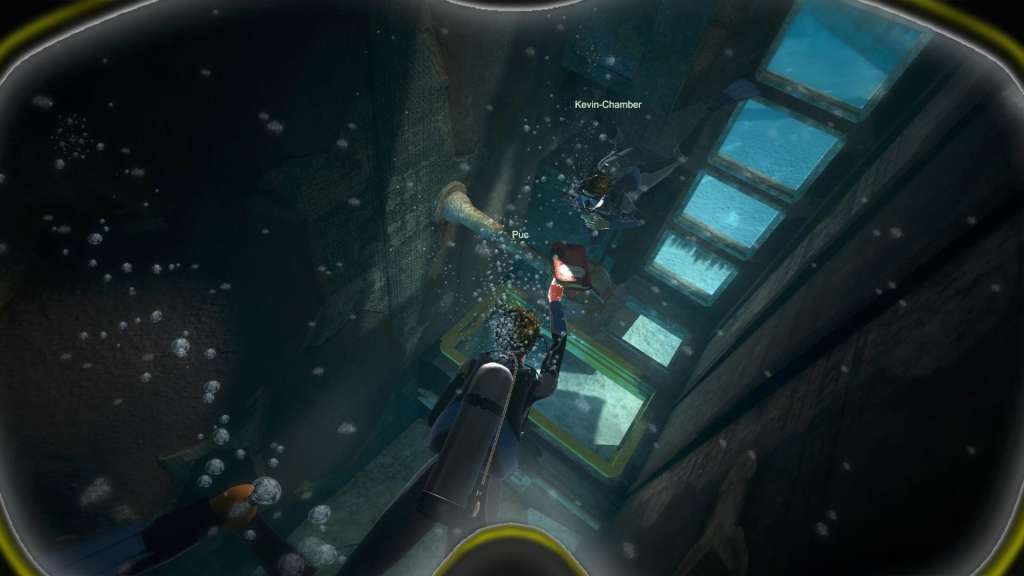
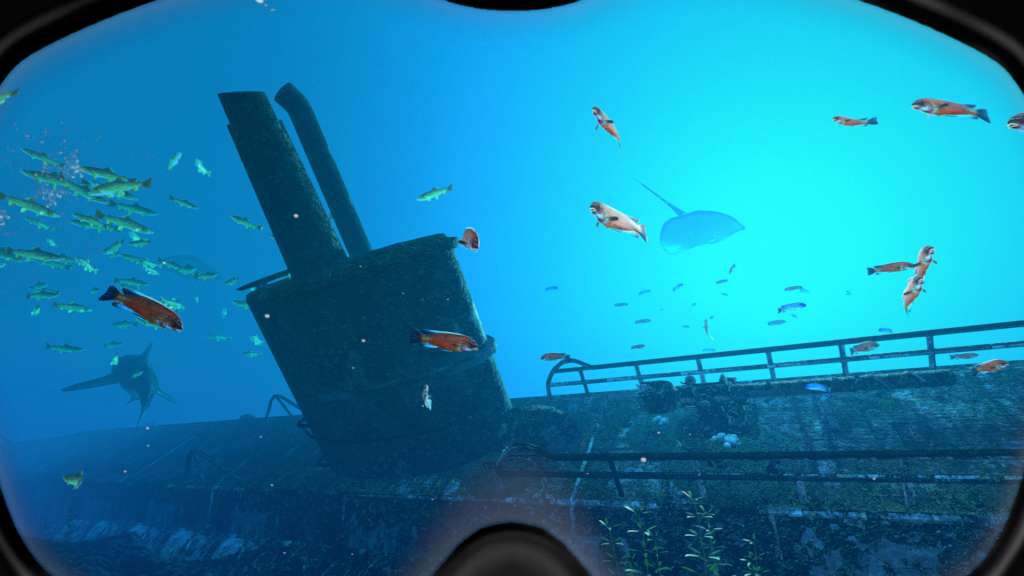
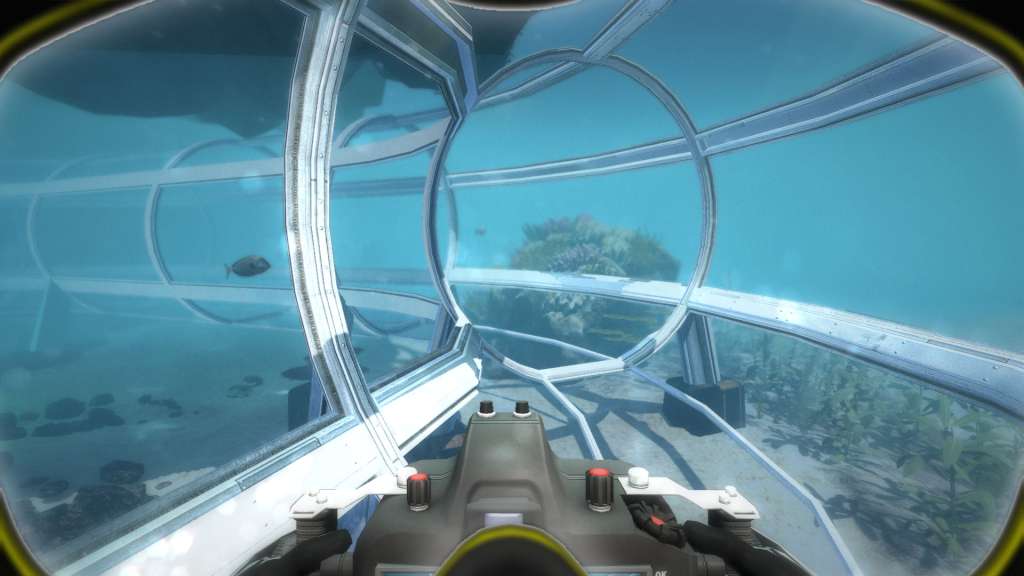
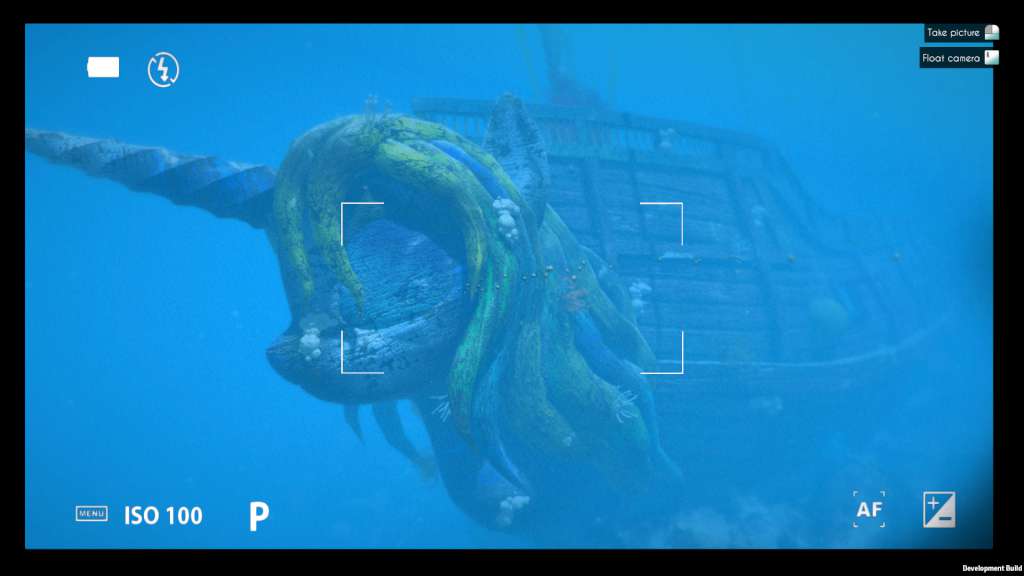
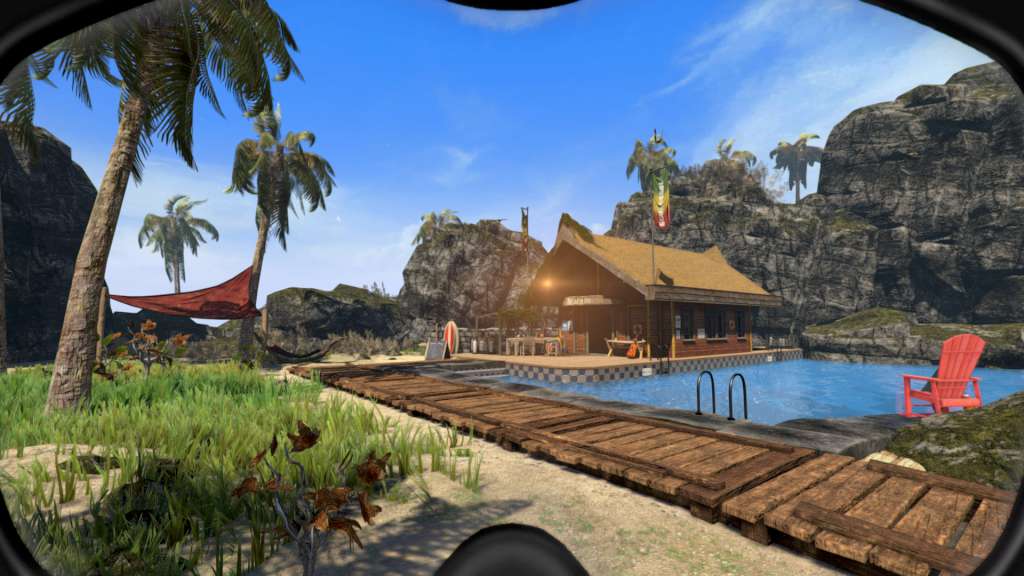
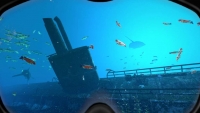
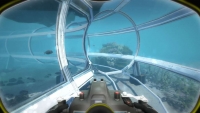
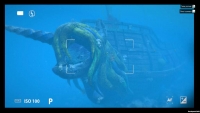
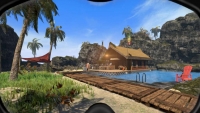
World of Diving is the Oculus Rift-enabled online diving game that brings you an exhilarating multiplayer diving adventure, all without getting wet. access the game via Early Access and start playing straight away! Features World of Diving enables you… to freely explore the ocean and make progress through exciting challenges: Interact with the amazing sea life. Compete against your fellow divers. Discover the sunken remains of history. Collect and salvage ancient treasure. As a diver… you can be a contributing member of an active community: You design, create and share your own content. You influence the development of new features. Your positive activity is rewarded with unique content and special privileges. Customize everything Appearance; Gear & tools; Boats, submarines & other vehicles; Real estate. Your personal diving base Customize your own tropical island. Invite your friends in multiplayer. Dock your vehicles & store your gear. Unlock your next diving missions.


System requirements

Windows
OS: Windows 7 - 64 bit or Higher Processor: Dual Core Memory: 2 GB RAM Graphics: pixel shader 3.0 compatible DirectX: Version 11 Network: Broadband Internet connection Storage: 7 GB available space
Mac
OS: OSX 10.6 Snow leopard Processor: Dual Core Memory: 2 GB RAM Graphics: pixel shader 3.0 compatible Network: Broadband Internet connection Storage: 7 GB available space
Linux
OS: Ubuntu 10.10 or Higher Processor: Dual Core Memory: 2 GB RAM Graphics: pixel shader 3.0 compatible Network: Broadband Internet connection Storage: 7 GB available space

Activation details

"Please remember that we are NOT responsible for any problems that may arise from purchasing and using Steam Gifts. You are doing it at your own risk. "Please note, that due to recent Valve Steam Gift policy update Steam Gifts for games that are covered by VAC ban program can no longer be added to Inventory. Make sure that you are logged in to the proper account before entering the link as Steam Gifts can be only added to your library or rejected. How do I use a Steam gift given to me? If you do not already have Steam, download and install Steam here. Once you have Steam installed, you will be prompted to create an account or login to an existing Steam account. If you do not have an account, please create one. You will receive an e-mail containing a link that will open Steam allowing you to redeem your gift. After clicking the link, you will receive a notification at the top right corner in the Steam client informing that you have a new gift.

Reviews

Reviews

There are no reviews yet.

Be the first to review “World of Diving Steam Gift”

Your email address will not be published. Required fields are marked *

We use cookies to personalise content and ads, to provide social media features and to analyse our traffic. We also share information about your use of our site with our social media, advertising and analytics partners. View more
Cookies settings
Accept
Decline
Privacy & Cookie policy
Privacy & Cookies policy
Cookie name Active
Cookie Policy for GetGame We use cookies to enhance your experience and improve our website’s functionality.

Types of Cookies:

  • Essential: Required for site navigation and purchases 
  • Performance: Analytics (e.g., Google Analytics)
  • Marketing: Targeted ads, promotions

Save settings