ONE PIECE: PIRATE WARRIORS 4 – Character Pass DLC EU Steam CD Key

One Piece Pirate Warriors 4

Description

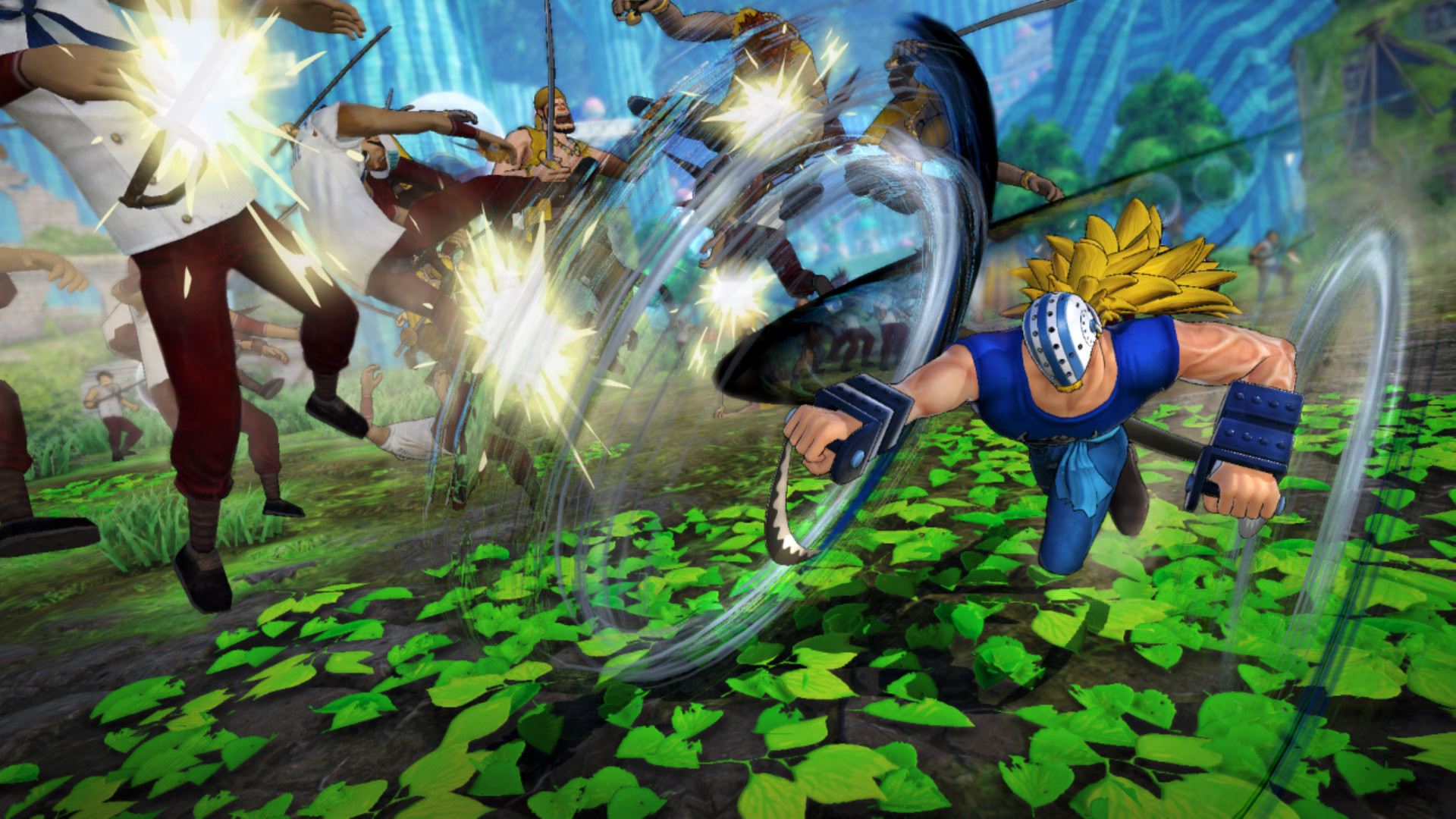
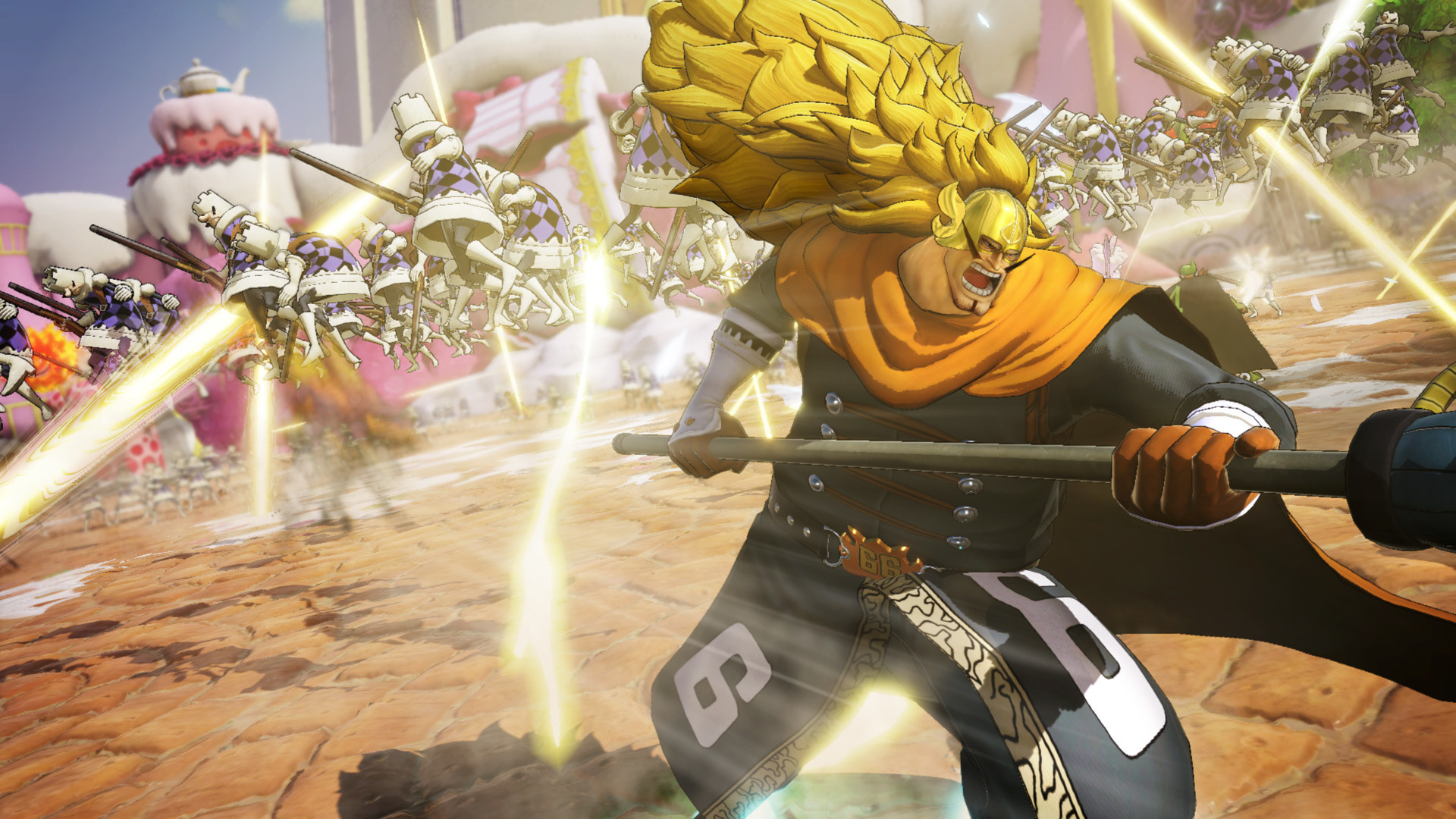
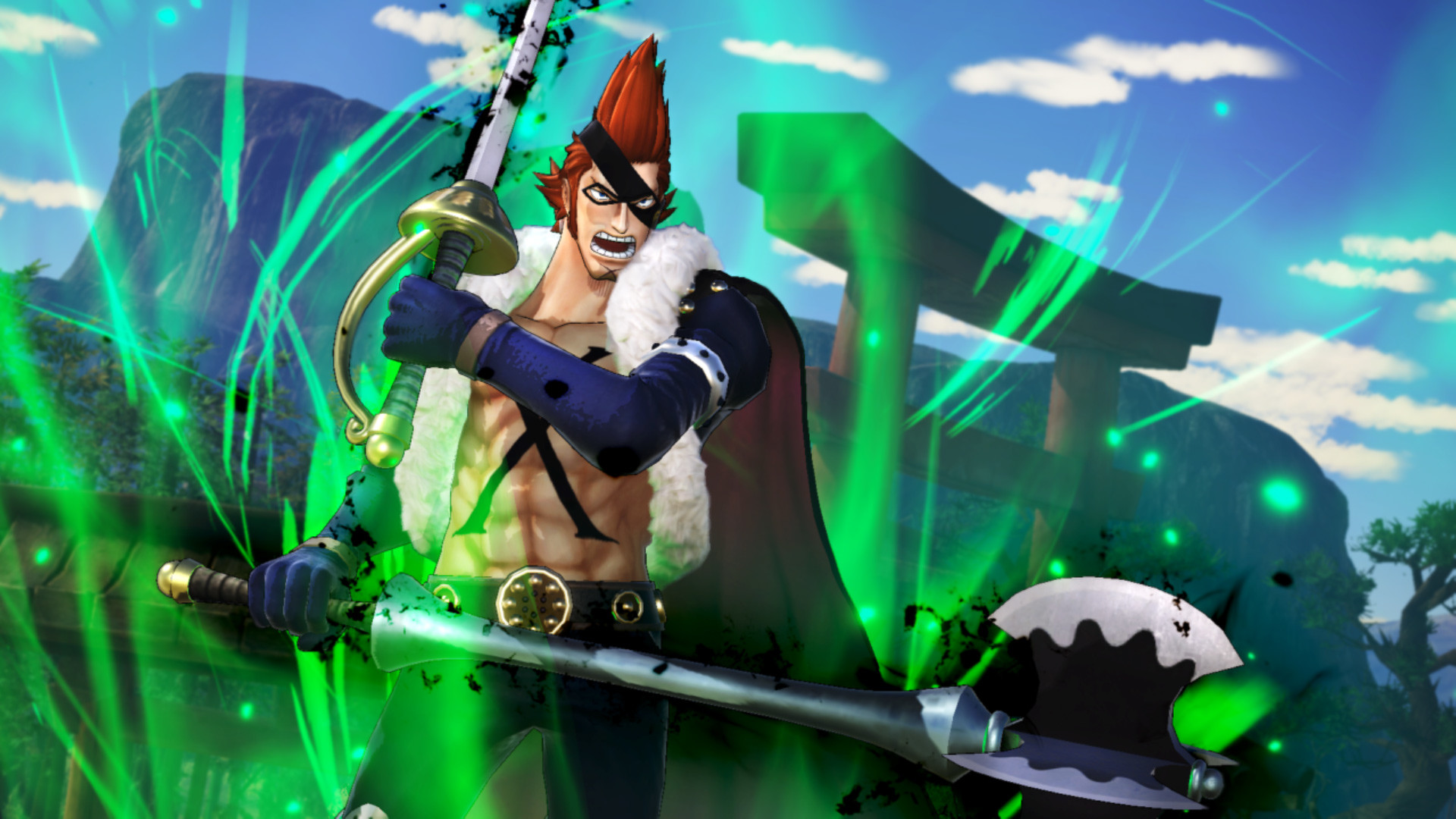
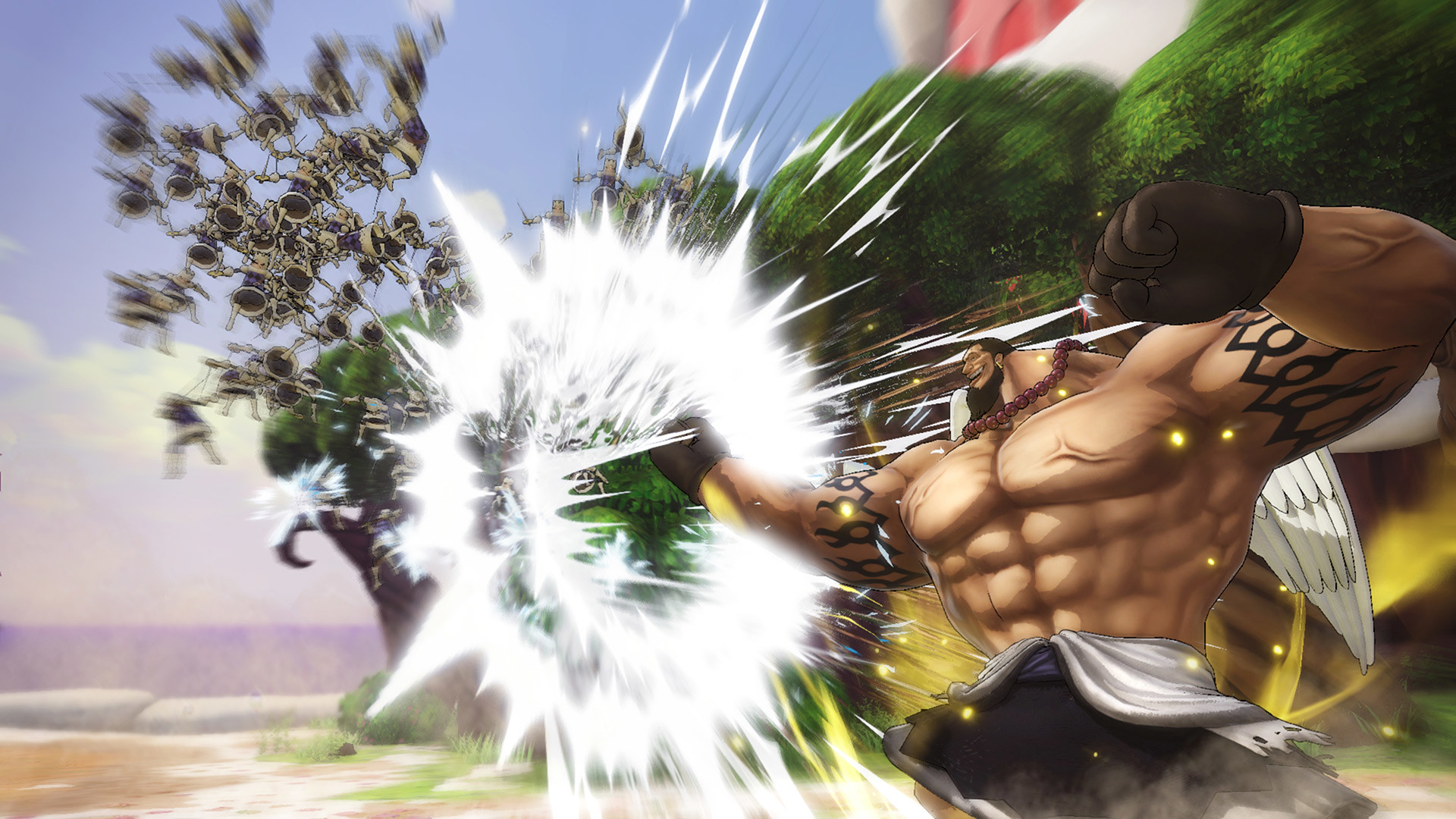
Get all three Playable Character DLC Packs in the Character Pass! Each DLC Pack contains 3 Playable Characters, for a total of 9 characters in this special season pass.Character Pass Bonus:・ Charlotte Katakuri Early Unlock

System requirements

Windows
Requires a 64-bit processor and operating system OS: Windows 10, 64-bit or later Processor: Intel CPU Core i5-6500/i7-4770 or above Memory: 8 GB RAM Graphics: Nvidia GTX960~GTX1060(at least GTX460 or above) DirectX: Version 11 Network: Broadband Internet connection Storage: 40 GB available space

Activation details

Go to: http://store.steampowered.com/ and download STEAM client Click "Install Steam" (from the upper right corner) Install and start application, login with your Account name and Password (create one if you don't have). Please follow these instructions to activate a new retail purchase on Steam: Launch Steam and log into your Steam account. Click the Games Menu. Choose Activate a Product on Steam... Follow the onscreen instructions to complete the process. After successful code verification go to the "MY GAMES" tab and start downloading.

Reviews

Reviews

There are no reviews yet.

Be the first to review “ONE PIECE: PIRATE WARRIORS 4 – Character Pass DLC EU Steam CD Key”

Your email address will not be published. Required fields are marked *

We use cookies to personalise content and ads, to provide social media features and to analyse our traffic. We also share information about your use of our site with our social media, advertising and analytics partners. View more
Cookies settings
Accept
Decline
Privacy & Cookie policy
Privacy & Cookies policy
Cookie name Active
Cookie Policy for GetGame We use cookies to enhance your experience and improve our website’s functionality.

Types of Cookies:

  • Essential: Required for site navigation and purchases 
  • Performance: Analytics (e.g., Google Analytics)
  • Marketing: Targeted ads, promotions

Save settings